Skip to Content

Industrial augmented reality for operators

An operator is looking for the right step in a procedure. In front of him, two components look alike. He must identify the part, understand the gesture, and verify its execution before proceeding.

Industrial augmented reality solutions can link work instructions to real equipment. The operator consults the steps, identifies the intervention area, and fills in the controls. The choice depends on the gesture to guide, the frequency of procedure changes, and the data to exchange with your industrial systems.

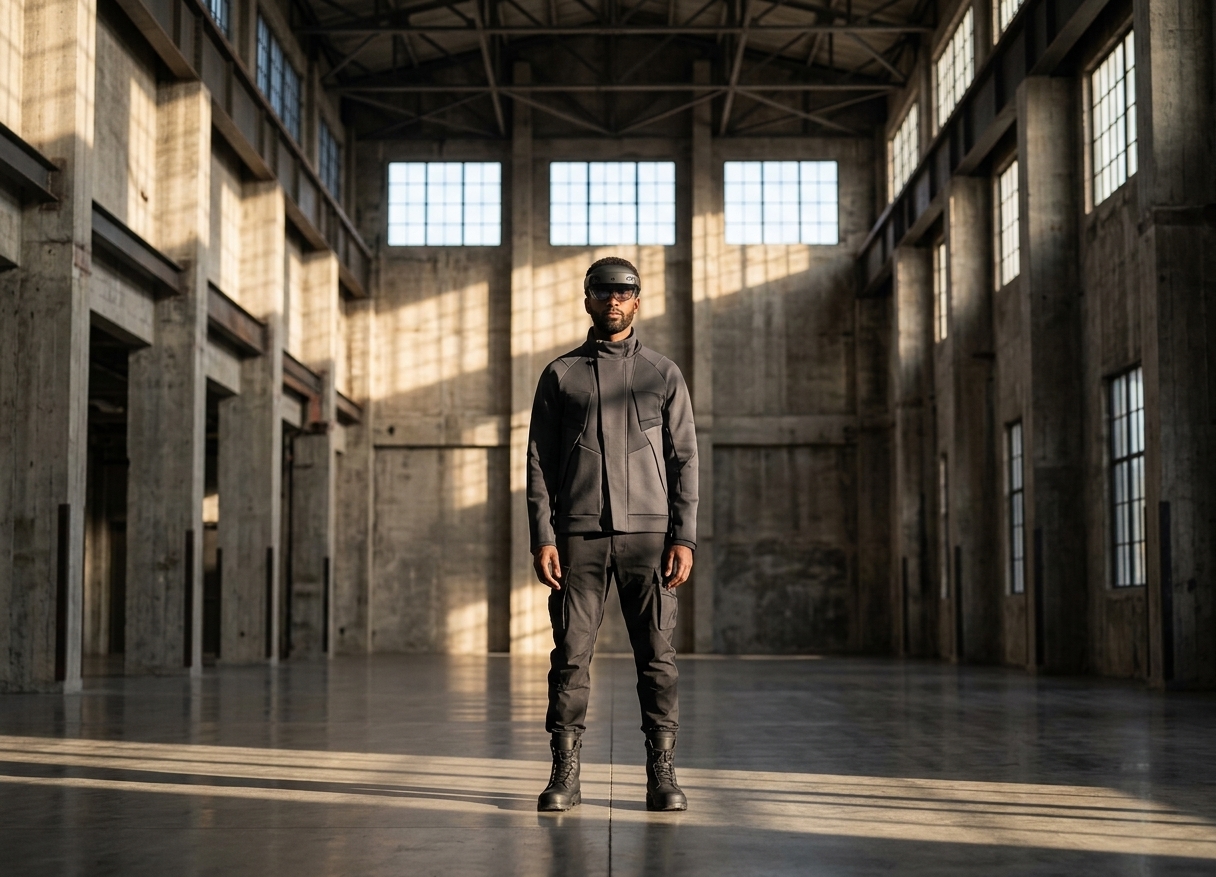
Person equipped with a mixed reality headset in an industrial building.
Mixed reality illustration in an industrial environment.

Work instructions at the workstation, at the moment of the gesture

Real-time visual assistance is useful when the operator needs to locate a component or follow an assembly order on a machine. You can display a reference image, an animation, or a marker associated with the work area, depending on the application and equipment.

To prepare work instructions and operating procedures, methods break down the task into observable steps. Each step specifies the expected action, the control point, and the procedure to follow in case of deviation. A business manager approves the content before its distribution.

The operator thus finds a directive related to their task. The methods team retains responsibility for the standard and its revisions.

Example of a process on an assembly station

  1. Identify the product reference and open the corresponding procedure.
  2. Locate the component and consult the assembly direction.
  3. Execute the action with the instruction in view.
  4. Provide the required control: confirmation, photo, or measured value.
  5. Report a deviation and follow the recovery procedure.

This process illustrates a functioning to be designed. The level of control depends on the sensors, tools, and rules you retain.
Choose between a platform and a custom application

To choose a solution, start from a representative procedure of your production. Have your own teams test the content creation, execution, and updating.

Approach Need it addresses Point to test
Scope AR WorkLink Produce and distribute AR instructions from 3D content, with an editing and management platform. Import your files, locate on the equipment, and revision circuit.
TeamViewer Frontline Organize production paths with Make, inspections with Inspect, or remote assistance with Assist. Module adapted to the gesture, wearable equipment, and exchanges with the information system.
Custom Myxed application Adapt the interface, the path, and the connections to the constraints of an industrial use case. Value of guidance at the workstation, effort of content creation, and application maintenance.

These approaches address different scopes. The available functions depend on the offer, the hardware, and the project. The publishers describe their solutions in the documentation. WorkLink and TeamViewer Frontline.

Myxed designs and develops industrial applications, from the demonstrator to deployment. We start from the operator's work to frame the interactions and the useful data at the workstation.

Guide production, training, and maintenance

Production: address interpretation errors

An operator may confuse two references or reverse an assembly order. The guidance targets these specific errors: show the part, detail the sequence, and place the control before the next step.

To measure the reduction of errors in production, record the discrepancies on this operation before the pilot. Then compare the results on comparable tasks and experience levels. A confirmation button attests to an operator's statement; a measurement or instrumented control provides another proof.

Training: support skill development

The trainer demonstrates the gesture, observes the operator, and adapts the assistance. An enhanced pathway can support the initial executions at the actual workstation. Plan for an evaluation without guidance to verify the acquired autonomy.

The training of industrial operators also covers preparation in simulation. For unavailable equipment or a dangerous scenario, a virtual simulation can meet the training needs.

Maintenance: linking a procedure to its equipment

The technician identifies the equipment, consults the maintenance range, and records his observations. An annotated view can help him spot a component that is difficult to describe in a document.

In the presence of an unexpected defect, a prepared procedure reaches its limits. Theremote technical assistance in augmented reality allows an expert to see the situation and guide the field team. The maintenance manager maintains the rules for locking out, authorization, and recommissioning.

Integrate guidance into industrial systems

The project begins with a precise data exchange: retrieving the correct procedure, identifying the work order, or recording a result. The name of a software in a compatibility list does not allow for sizing this integration.

System Useful data at the workstation Verification with the IT department
MES, production tracking Manufacturing order, reference, current step, control result. Common identifiers, write permissions, and error handling.
CMMS, maintenance Equipment, work order, range, report. API version and field mapping.
PLM or document management CAD model, procedure, and revision index. Content approval and removal of an obsolete version.
IoT and machine data State or measurement useful at a stage. Data freshness and behavior in case of network loss.

Scope AR documents interfaces with enterprise systems. TeamViewer documents an integration with SAP Digital Manufacturing. These elements serve as starting points for the technical study; they do not prove compatibility with your configuration. See the WorkLink capabilities and theTeamViewer integration with SAP Digital Manufacturing.

At Myxed, we frame the exchanges to be built with your business and IT teams. For projects involving machine data and equipment representation, consult our approach to the industrial digital twin.

Test the hardware and procedure under working conditions

A tablet can be suitable for a one-time consultation. A wearable display can serve a gesture that engages both hands. Spatial overlay meets the need to identify an area on a real object. A sheet displayed in glasses does not, by itself, constitute spatial referencing.

During the trial, operators check readability, the accuracy of the reference, comfort, and handling with their protective equipment. Test the workstation's lighting, noise, and necessary movements. Also define the resumption of tasks after a network interruption.

Short, stable, and easy-to-explain tasks can be satisfied with a digital instruction on screen. The operator must show what the addition of augmented reality brings to the gesture.

Frame an operator with Myxed

Frame.

Choose an operation where hesitations, restarts, or requests from the reference cost time. Gather the current procedure and field observations.

Prototype.

Have the concerned operators execute the critical steps. Observe the places where they seek information and those where the display hinders work.

Build.

Stabilize the path, controls, and data exchanges. Designate the person responsible for approving content revisions.

Deploy.

Train the references, organize support, and monitor usage at the workstation. Decide on the extension based on execution time, observed errors, and team autonomy.

Provide a procedure, an example of an error, and the constraints of the workstation. We can examine the need for guidance and the scope of a first trial.

Answers to production and digital transformation questions

Choose a solution for detailed instructions

Evaluate the creation of steps, the addition of media, procedure variants, and the approval of revisions. Have a method member modify an instruction during the trial. Then check the version that the operator consults at the workstation.

Guide factory operators with the right tool

Select the support according to the task: screen or tablet for consultation, wearable display to keep hands free, spatial markers for location. Test the device with operators, their protections, and the workstation traffic constraints.

Choose a platform to reduce errors

Start by classifying errors: wrong reference, assembly order, omission, or control failure. Check the proposed mechanism for each. Measure the deviations on a witness operation; distinguish a declarative validation from an instrumented verification.

Use augmented reality for equipment maintenance

The technician can consult a procedure associated with the equipment and record the checks throughout the intervention. The remote expert intervenes when the diagnosis requires an exchange. Site managers define the permissions and intervention conditions.

Check integration with existing industrial systems

Request a test on the expected flow: read an order, open the correct procedure, and return a result. Examine the API, rights, identifiers, and recovery after error. Estimate the developments and maintenance with your IT team.